
Run the day
Your crew, the right access.
Invite teammates by email and give each person exactly what their role needs.
14 days free · No credit card required · Cancel anytime
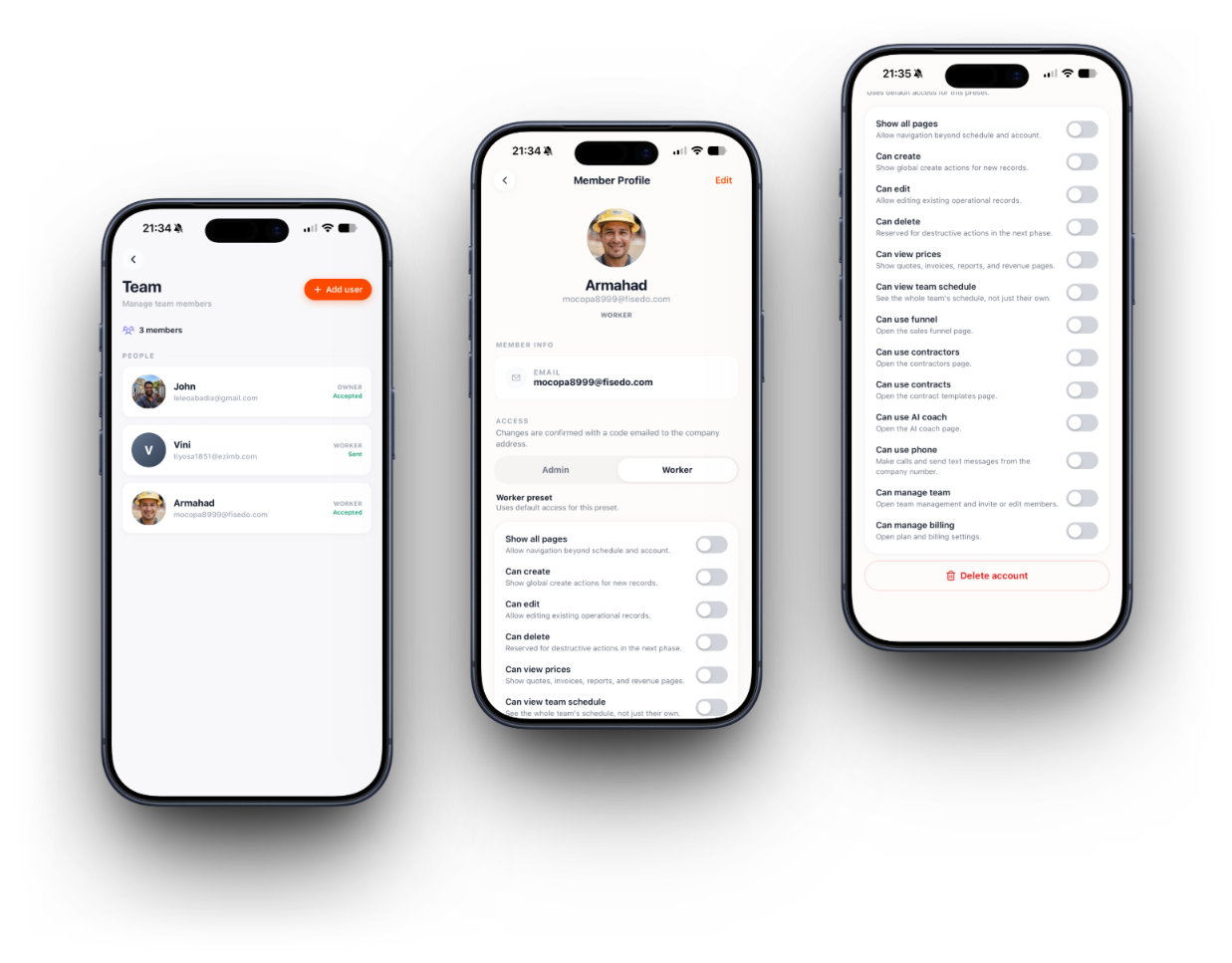

Field workers stay focused
Restricted roles see their schedule, not your books.

Managers see it all
Full visibility for the people who need it.

Grow without the chaos
Add seats as the crew grows, without losing control.

How it works
- 1
Invite a teammate by email
- 2
Assign a role: owner, admin, or worker
- 3
Fine-tune permissions per person if you need to
- 4
Add extra seats anytime as the crew grows
Team & Permissions questions
Solo is built for one user. Pro includes up to 3 and Business up to 5, with extra seat packs available on both.
More of what Brivium does
Send your first quote before lunch.
Set up in minutes. Try every feature free for 14 days, no credit card required.