
Run the day
From lead to done.
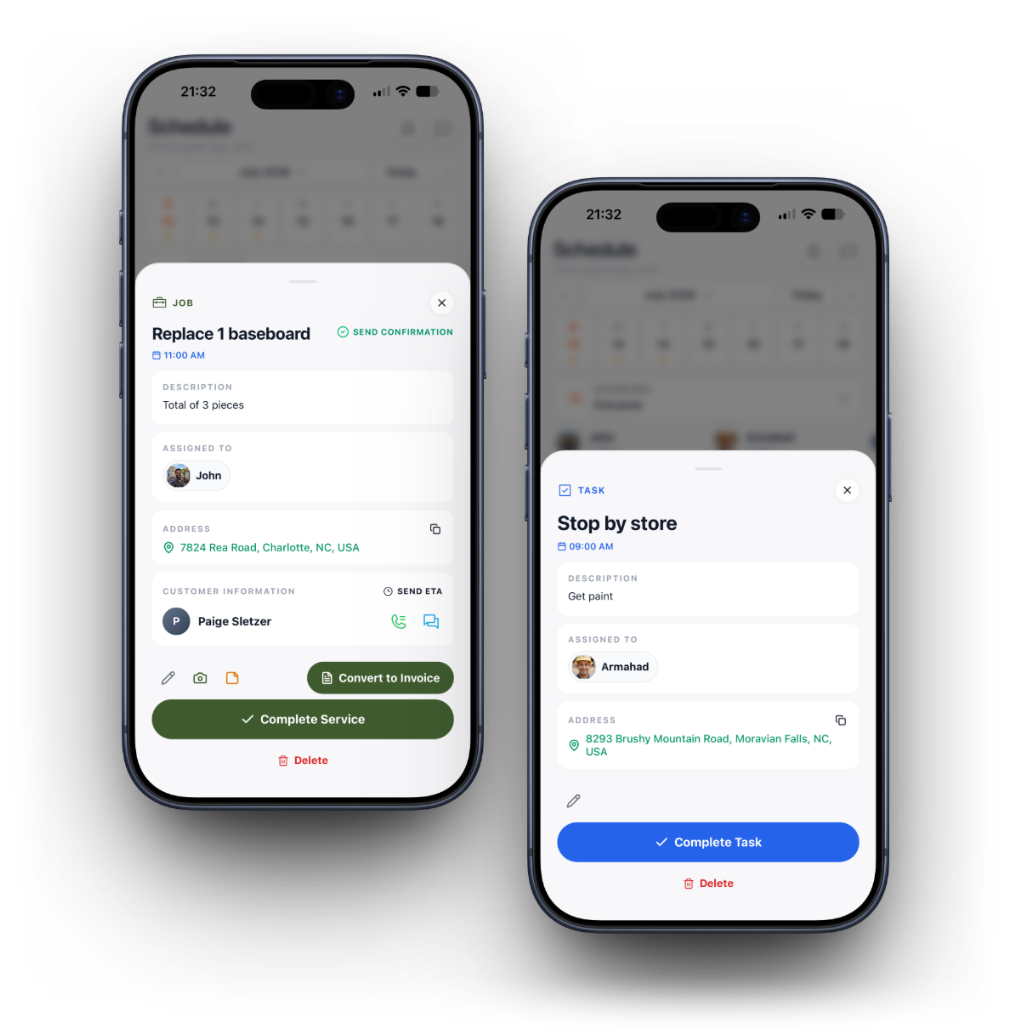
Track every job's status, tasks, and photos in one place your whole crew can see.
14 days free · No credit card required · Cancel anytime
Know what's active
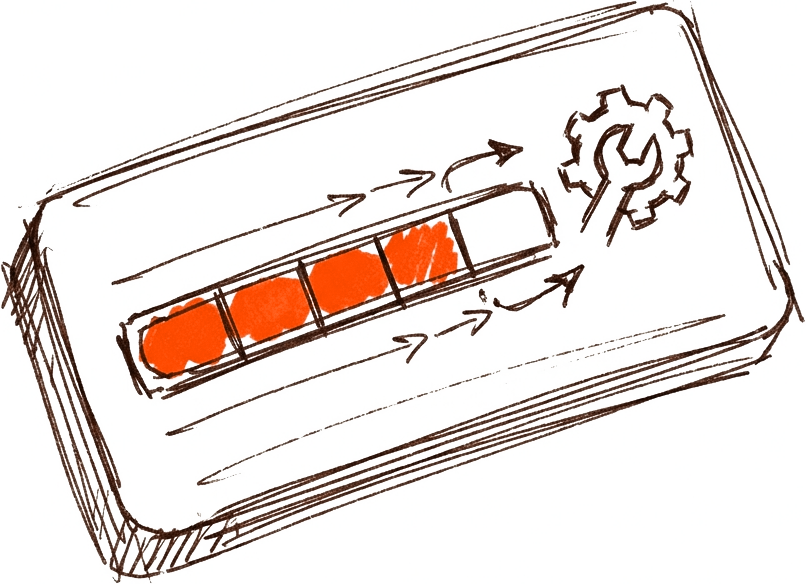
See every job in progress and what stage it's at.

Break work into tasks
Assign checklist items so nothing gets missed on site.
Document as you go
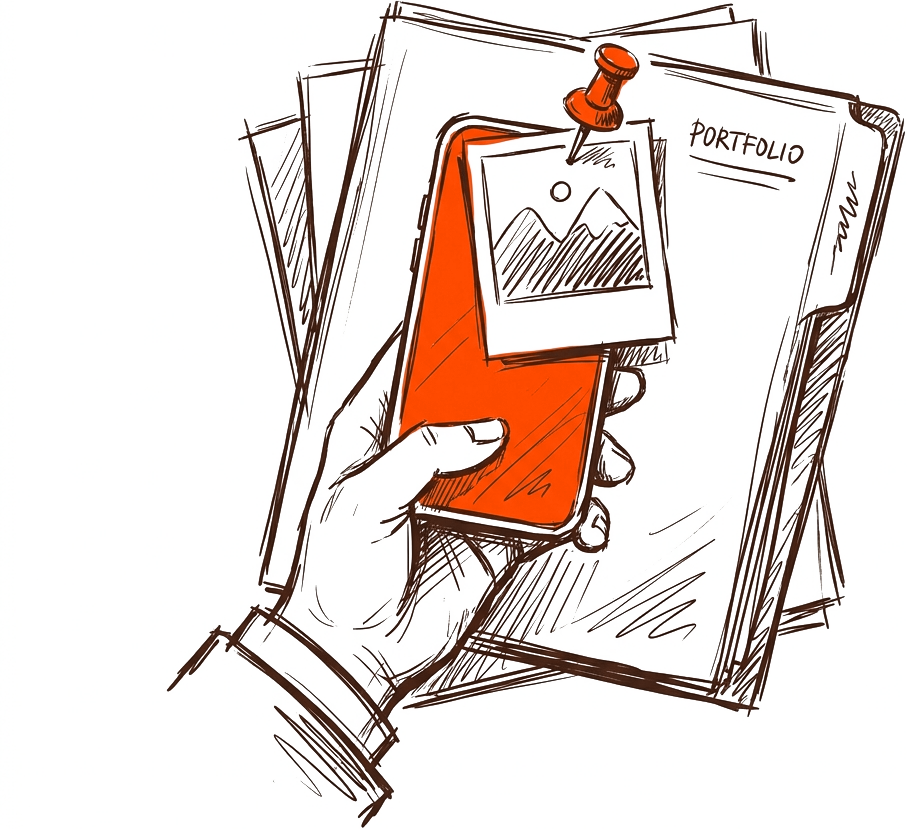
Photos attach straight to the job for the record.
How it works
- 1
A won quote becomes a job automatically
- 2
Break the job into tasks and assign them
- 3
Attach photos as work progresses
- 4
Mark it done and convert straight to an invoice
Jobs & Tasks questions
No. Tasks can stand on their own for internal to-dos, or attach to a specific job for site-level checklists.
More of what Brivium does
Send your first quote before lunch.
Set up in minutes. Try every feature free for 14 days, no credit card required.