
Pool Service
How Pool Service Crews Stay on Schedule
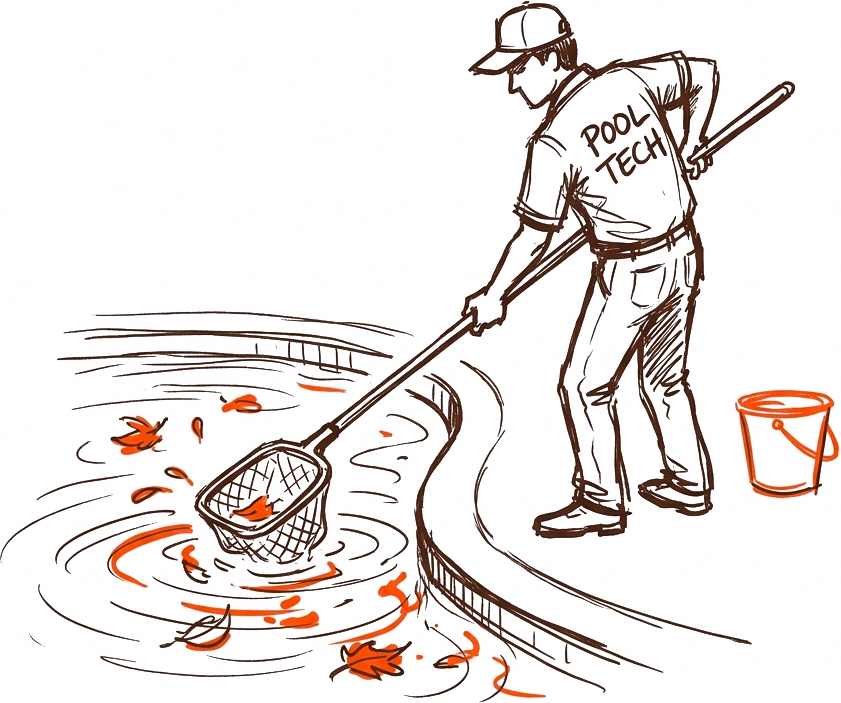
Pool service lives and dies by the route. One truck, a dozen stops, a tech running behind because a filter was clogged or a customer wanted to chat for twenty minutes. By 2pm the whole afternoon is sliding, and nobody in the office knows until a customer calls asking where their guy is. If that sounds familiar, the fix is not working faster. It is tighter pool service scheduling and keeping the crew in sync without a dozen phone calls.
Key takeaways
- A shared calendar everyone can see from their phone is the single biggest upgrade most pool crews can make.
- Build in realistic buffers for weather, drive time, and problem stops instead of packing routes wall to wall.
- Dispatch by location and skill, not just by whoever is free, so techs are not criss-crossing town.
- When a stop runs long or gets skipped, the whole crew should know in seconds, not at the end of the day.
Start with one shared calendar the whole crew can see
The root problem on most pool routes is not time, it is visibility. The owner knows the plan. The dispatcher has a version of it. The techs have sticky notes and a text thread. When any of those falls out of date, stops get missed or double-booked.
A single shared calendar fixes this. Every job, every tech, every day in one place that updates live. When the office moves a stop, the tech sees it on their phone before they pull out of the driveway. When a tech marks a job done, the office sees it without a call. The goal is simple: one source of truth, visible to everyone who needs it.
- Color-code by tech or truck so routes are readable at a glance.
- Show the full address, gate code, and dog warning on every stop.
- Let techs mark jobs started, done, or skipped right from the field.
- Keep recurring weekly stops on repeat so you are not rebuilding the route every Monday.
Dispatch by location and skill, not just availability
The fastest way to burn an afternoon is sending a tech across town, back, and across again. Good dispatching clusters stops so drive time stays low, then layers in skill. A chemical-only service tech should not get sent to a pump swap, and your equipment pro should not be babysitting basic weekly cleans if a newer tech can handle them.
Think about three things when you assign a stop: where it sits on the map, who has the skill for it, and who has the room in their day. Get those right and the route almost schedules itself.
Cluster, then sequence
Group stops by neighborhood first, then order them so each tech drives a loop, not a zigzag. Shaving ten minutes of drive time off eight stops gives you back more than an hour.
Build buffers for weather and the stops that always run long
Pools do not care about your schedule. A storm rolls through, a green pool needs a double dose and a manual vacuum, a customer wants to walk you through a leak. If your route is packed wall to wall, one problem stop knocks over the rest of the day like dominoes.
The fix is honest buffers. Do not schedule every tech for the theoretical maximum number of stops. Leave slack so a long stop does not blow up the next three appointments, and keep a little weather room, especially in summer storm season.
A worked example
Say a tech averages 20 minutes per standard weekly clean plus 10 minutes drive time between stops, so 30 minutes per stop. An 8-hour day is 480 minutes. On paper that is 16 stops. But that leaves zero buffer.
Now build in reality: two stops a day typically run 15 minutes long (green pool, chatty customer, minor repair), costing 30 extra minutes. Add a 30-minute weather and catch-up buffer. That is 60 minutes gone, leaving 420 minutes, or 14 stops. Scheduling 14 instead of 16 feels like leaving money on the table, but the 16-stop day finishes late and stressed three days a week, while the 14-stop day finishes on time nearly every day. On-time routes keep customers, and kept customers are worth far more than two squeezed-in stops.
- Cap stops below the theoretical max so one delay does not cascade.
- Add a daily catch-up window, often 20 to 40 minutes, to absorb surprises.
- In storm season, keep a rain-day plan so skipped stops roll forward cleanly.
Keep the crew in sync from their phones
Your techs are not sitting at a desk. Everything they need has to live on the phone in their pocket: the route, the addresses, the service notes, and a fast way to flag a problem. When a tech can update a stop in two taps, the office stays current without chasing anyone.
The flip side matters just as much. When the office reschedules a stop or adds a same-day call, the tech should get it on their phone instantly, not find out when they show up to a job that moved. Two-way, real-time sync is what keeps a route from drifting.
- Techs mark done, skipped, or needs-follow-up in the field.
- Office pushes changes that show up on the tech's phone right away.
- Service notes and photos attach to the stop so the next visit has context.
- A business phone line keeps customer calls and texts tied to the job, not scattered across personal cell numbers.
Handle the inevitable: reschedules, skips, and same-day calls
No week goes fully to plan. A gate is locked, a customer is out of town, a pump dies and needs an emergency visit. The crews that stay on schedule are not the ones that avoid chaos, they are the ones that absorb it quickly.
- When a stop is skipped, log why on the spot so it is clear whether to reschedule or bill it.
- Roll skipped weekly cleans to the next open slot automatically instead of letting them vanish.
- For same-day repair calls, dispatch to the nearest qualified tech with room, not just the first name on the list.
- Notify the customer the moment their window changes, before they have to call you.
Proactive updates do double duty. They keep customers calm, and they cut the inbound call volume that eats your office hours. A quick heads-up text that a tech is running 40 minutes behind prevents five frustrated calls.
Connect scheduling to getting paid
A tight schedule is only half the job. The other half is turning completed stops into paid invoices without a pile of paperwork on Friday. When a tech marks a stop done, that should flow straight toward billing, whether it is a monthly recurring charge or a one-off repair with a branded quote the customer already approved.
The closer your scheduling and billing live together, the less falls through the cracks. Jobs get done, invoices go out same week, and card payments come in before the next service, not 45 days later.
Brivium puts your route, branded quotes, invoicing, and card payments in one place, so crews stay on schedule from their phones and the office gets paid without the paper chase.
Get startedPutting it together
You do not need a huge system change to tighten a pool route. Start with one shared calendar everyone can see, dispatch in clusters, and leave honest buffers for the stops and storms that always show up. Keep the crew synced from their phones so a change in the field or the office reaches everyone in seconds. Do that, and on-time becomes your normal, not your lucky week.
Frequently asked questions
How many pool stops should one tech do per day?
It depends on drive time and job type, but many crews find 14 to 16 standard weekly cleans realistic once you add buffers. Scheduling slightly under your theoretical max keeps routes on time even when a stop runs long.
What is the best way to handle rained-out pool stops?
Keep a rain-day plan that rolls skipped weekly cleans to the next open slot automatically, and notify affected customers the same day. Building a weather buffer into each route helps you absorb delays without losing the stop.
How do I keep my whole crew on the same schedule?
Use one shared, real-time calendar that every tech can see and update from their phone. When the office reschedules a stop or adds a same-day call, it should reach the tech instantly, and when a tech finishes a job, the office should see it without a phone call.
Should dispatching be based on who is available or where the job is?
Both, in order. Cluster stops by location first to cut drive time, then assign by skill, then by who has room in their day. Sending the nearest qualified tech beats sending whoever answers first.