
Pest Control
How Pest Control Crews Stay on Schedule
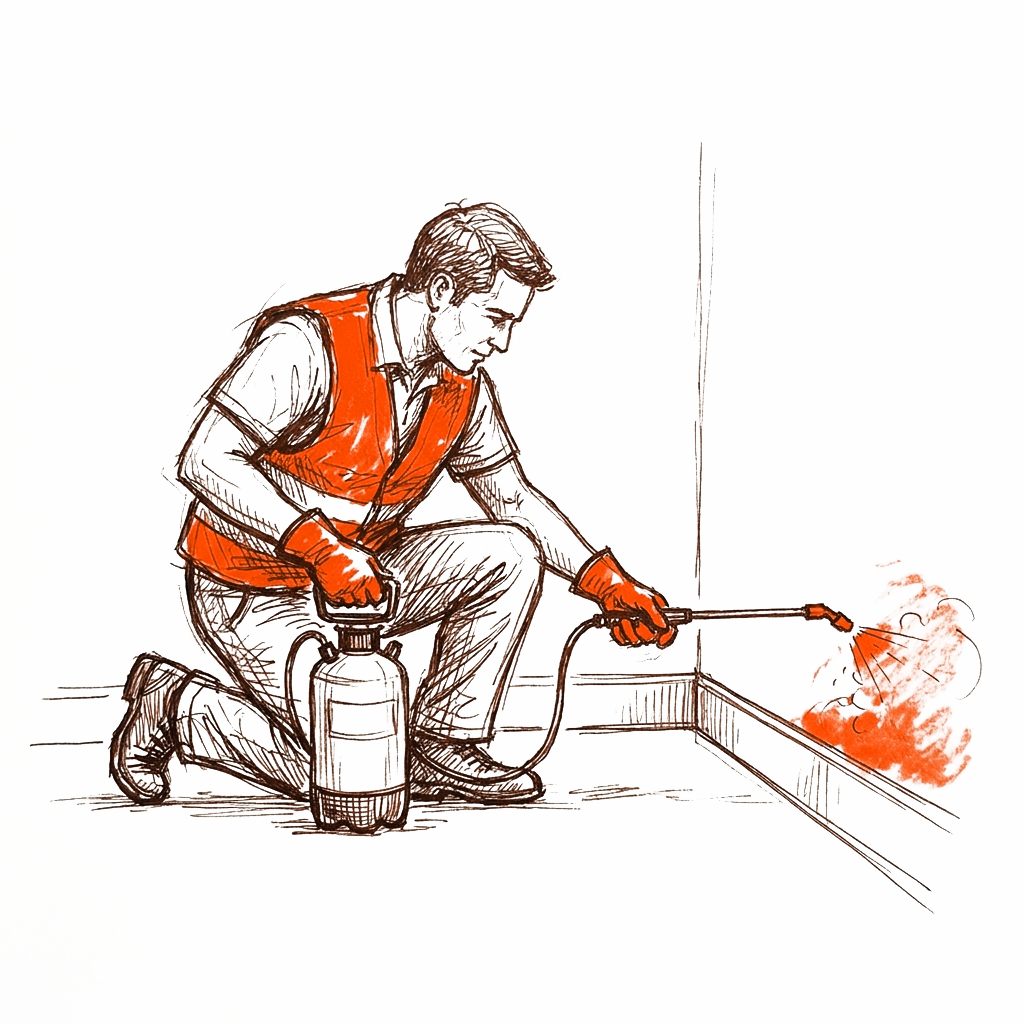
Every pest control owner knows the feeling: a tech is stuck at a stubborn ant job, the next customer is calling the office, and the third stop of the day is drifting later by the minute. One late job has a way of knocking the whole route sideways. Good pest control scheduling is not about cramming more stops into a day. It is about building a route that holds up when reality gets messy, and keeping the crew in sync so a single delay does not cascade.
Key takeaways
- A shared, live calendar beats texts and whiteboards because everyone sees the same schedule the moment it changes.
- Build buffers into the day for weather, traffic, and jobs that run long instead of booking back to back.
- Dispatch by location and skill, not just by whoever is free, to cut windshield time.
- Keep the crew synced from their phones so status updates, reschedules, and notes reach the office instantly.
Start With One Shared Calendar Everyone Trusts
If your schedule lives in a notebook, a whiteboard, and three separate group texts, you are going to lose jobs. The single biggest win in pest control scheduling is putting the whole crew on one live calendar that updates in real time. When the office moves a job, the tech sees it. When a tech marks a stop complete, the office sees that too.
A shared calendar also settles the daily arguments before they start. Who is covering the north side today? Did the mosquito reroute get assigned? Is the new termite inspection double booked against a quarterly? When it is all in one place, those questions answer themselves.
- Color code by service type so quarterly, one-time, and inspections are easy to scan.
- Show the tech assigned to each stop, not just the address.
- Make it viewable and editable from a phone, since your crew is rarely at a desk.
- Log arrival and completion times so you can see where the day actually went.
Rule of thumb
If a change to the schedule does not show up on the crew's phones within a minute, your system is too slow for field work.
Dispatch by Location and Skill, Not Just Availability
The lazy way to dispatch is to hand the next open job to the next open tech. That works until you notice your senior tech drove across the whole county to do a job the closest tech could have handled. Smart dispatching looks at two things first: where the tech already is, and what the job needs.
Grouping stops by geography is where most crews find hidden hours. A route that zigzags across town burns fuel and daylight. A route that flows in a loop lets a tech do more real work and get home on time.
- Cluster jobs by zip code or neighborhood so each tech works a tight zone.
- Match the job to the skill: termite and wildlife work often needs your experienced people.
- Assign the closest qualified tech to same-day and emergency calls.
- Leave your most flexible tech lightly booked so they can absorb surprises.
Build Buffers for Weather and Jobs That Run Long
Pest control is an outdoor business, and the weather does not check your calendar. Rain washes off exterior applications. Heat pushes mosquito and tick work into narrower windows. A routine inspection turns into a two hour crawlspace job. If your day is booked wall to wall, one of these turns into a missed appointment.
The fix is deliberate buffer time. Do not schedule stops back to back with zero slack. Leave breathing room between jobs, and hold one open block later in the day for the stop that inevitably runs over or gets added last minute.
A Worked Example
Say a tech has 8 jobs in a day. Average service time is 40 minutes, and drive time between clustered stops averages 15 minutes. That is 55 minutes per stop, or about 7 hours 20 minutes of pure work and driving across 8 stops. In an 8 hour day that leaves only about 40 minutes of total slack for the entire route.
Now add reality: one job runs 30 minutes long, and an accident adds 20 minutes of unexpected drive time. That is 50 minutes of overrun against 40 minutes of slack, so the tech is already 10 minutes behind, and every remaining customer feels it. If you instead book 7 jobs and keep a 60 minute buffer, that same day absorbs the overruns and still ends on time. Booking one fewer stop often protects the other seven.
Buffer math
A good starting point is roughly 10 to 15 percent of the workday held as buffer. On an 8 hour day, that is about 45 to 70 minutes you deliberately do not fill.
Keep the Whole Crew in Sync From Their Phones
Your crew is in trucks and yards all day, so the schedule has to live where they are: on their phones. When a tech can update job status, add notes, and see the next stop without calling the office, the whole operation speeds up. The office stops playing phone tag, and customers get accurate arrival windows.
The status updates matter more than they look. A simple tap for on my way, arrived, and completed gives the office a live view of the day. If a job is running long, dispatch can see it and warn the next customer before they start wondering where the tech is.
- On my way and arrived stamps so customers get honest arrival times.
- Photos and notes from the job that stick with the customer record.
- Instant reschedule if a customer is not home or a gate is locked.
- A shared way to reach the office, since a business phone line beats personal cell numbers for tracking calls.
Handle Cancellations and No-Shows Without Losing the Day
Cancellations happen, and locked gates and no-answer doors happen even more. The goal is to fill or re-slot that time fast instead of letting a tech sit. When your schedule is live on phones, dispatch can pull a nearby job forward or slide a flexible customer up to fill the gap.
- Confirm appointments the day before by text to cut no-shows.
- Keep a short standby list of flexible customers who will take an earlier slot.
- When a gate is locked, log it immediately and offer the next available window on the spot.
- Track repeat no-shows so you can require confirmation or a card on file for those accounts.
Review the Week and Tighten the Next One
Scheduling gets better when you look back. Once a week, pull up which jobs ran long, which routes had too much drive time, and where buffers got eaten. Patterns show up fast: certain neighborhoods always take longer, certain service types are underbooked on time, certain techs are quietly carrying the heaviest routes.
You do not need a data team for this. A quick fifteen minute review of the past week, using the arrival and completion times your crew already logged, is enough to sharpen next week's routes.
If you want your quotes, scheduling, and getting paid to live in one place, Brivium keeps branded quotes, the crew calendar, and card payments connected so a reschedule or a completed job updates everything at once.
Start free trialBottom Line
Staying on schedule is not about hustle, it is about building a day that survives contact with reality. One shared calendar, dispatching that respects location and skill, honest buffers for weather and long jobs, and a crew that stays synced from their phones. Do those four things and the late job stops taking the whole route down with it.
Frequently asked questions
How many pest control stops should a tech do per day?
It depends on service type and drive time, but many crews land around 7 to 12 stops. The right number is whatever leaves you a 10 to 15 percent buffer so overruns and traffic do not push you behind.
What is the best way to reduce drive time between jobs?
Cluster stops by neighborhood or zip code so each tech works a tight zone, and assign same-day calls to the closest qualified tech instead of whoever is simply free.
How do I keep my crew updated when the schedule changes?
Use one live calendar that everyone views and edits from their phones. When the office moves a job, the tech sees it instantly, which ends the phone tag and double bookings.
How much buffer time should I build into a pest control day?
A good starting point is 10 to 15 percent of the workday held as slack, roughly 45 to 70 minutes on an 8 hour day, to absorb weather, traffic, and jobs that run long.