
Garage Doors
The Best CRM for Garage Door Businesses
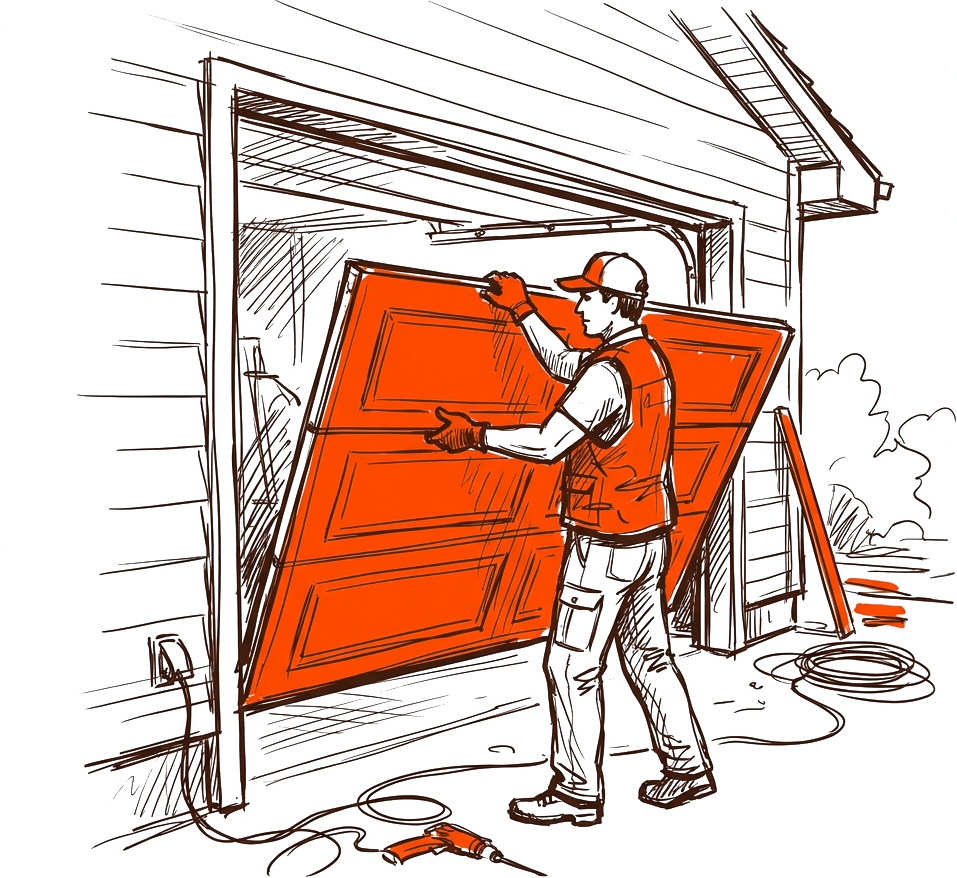
If you run a garage door business, your day is already full: spring replacements, opener installs, broken cables, and the occasional panel swap after someone backs into the door. The last thing you need is a software tool that adds busywork. A good CRM should do the opposite: get quotes out faster, keep the schedule tight, and make sure you actually get paid. This guide walks through what to look for in the best CRM for garage door work, the honest tradeoffs, and where a tool like Brivium fits.
Key takeaways
- The right CRM should cover five core jobs: quotes, scheduling, invoicing, payments, and a business phone line.
- Speed matters most. The company that quotes first and clearest usually wins the repair job.
- Watch for hidden costs: payment processing fees, per-user pricing, and add-on modules can add up.
- Match the tool to your crew size. A one-truck operation needs different things than a five-truck shop.
What a Garage Door Business Actually Needs From a CRM
Garage door work is a mix of fast repairs and planned installs. That shapes what your software has to do. You need to quote a snapped spring over the phone, book it for tomorrow morning, invoice on-site, and take a card before you leave the driveway. A CRM built for general sales teams often misses this entirely. You want a field-service tool that treats the job, not the lead, as the center of everything.
Here are the five features that matter most for this trade:
- Quotes and estimates: Build a repair or install quote in minutes with saved line items for springs, openers, rollers, and labor.
- Scheduling and dispatch: See your crew's day at a glance and avoid double-booking a tech across town.
- Invoicing: Turn a finished job into an invoice without re-entering anything.
- Card payments: Take payment on-site so you are not chasing checks.
- A business phone line: Keep work calls separate from your cell, and log them against the customer.
Quick test
Before you commit, ask: can I quote a broken-spring call, schedule it, and send the invoice from my phone in the driveway? If the answer is no, keep looking.
Quotes: Speed and Clarity Win the Job
Most garage door repairs are urgent. The homeowner wants the door working today or tomorrow, and they are calling two or three companies. The shop that sends a clean, branded quote first usually gets the job. If your quote is a handwritten number over the phone and the competitor sends a tidy breakdown by text, you look less professional even if your price is better.
Look for a CRM that lets you save common jobs as templates. Torsion spring replacement, opener install, cable repair, roller replacement: these come up constantly. If you can tap a template, adjust the price, and send it in under two minutes, you close more work. Branded quotes with your logo and clear line items also reduce the back-and-forth questions that eat your afternoon.
Scheduling and Dispatch Without the Chaos
For a one-truck operation, scheduling is mostly about not forgetting an appointment. For a multi-crew shop, it is about routing techs efficiently and knowing who is free when the emergency call comes in. A calendar that shows each crew's day, lets you drag a job to a new slot, and sends the customer a reminder text will save you hours a week.
Be honest with yourself about complexity. If you have two trucks, you do not need heavy route-optimization software with a steep learning curve. You need a clear calendar your office person and your techs both understand. Overbuying complexity is a common and expensive mistake in this trade.
Getting Paid: Invoicing and Card Payments
This is where a lot of garage door businesses quietly lose money. The job is done, the tech is friendly, the customer says a check is in the mail, and three weeks later you are still waiting. On-site card payment solves most of this. When the invoice and the payment live in the same tool, you also avoid the end-of-month reconciliation headache.
Pay attention to processing fees. Rates for card payments typically run in the 2.5 to 3.5 percent range depending on the card and setup. That is normal, but it should be clear and predictable. Watch out for tools that bundle a low software price with a higher-than-market processing rate to make up the difference.
A worked example
Say you run three trucks and average 8 jobs a day each, so about 24 jobs daily. If better quoting and on-site payment helps you close just 2 extra jobs a day at an average ticket of $350, that is $700 a day. Over 22 working days, that is $15,400 a month in additional revenue. Even after a 3 percent processing fee on that new work, roughly $462, you are well ahead. Now compare that to a CRM that costs a few hundred dollars a month. The math usually favors the tool, as long as it actually gets used.
The real cost
The expensive CRM is not the one with the higher monthly price. It is the one your crew refuses to use, so you paid for software and still track jobs on paper.
A Business Line and an AI Coach: Nice to Have or Need to Have?
A dedicated business phone line is underrated. It keeps your personal cell private, lets multiple people answer, and logs calls against the right customer so nothing falls through the cracks. When a tech is out sick or you sell the business someday, the number and the call history stay with the company, not with one person's phone.
An AI coach is newer territory. Done well, it can suggest follow-ups, flag quotes that have gone cold, and remind you to ask for a review after a good job. Treat it as an assistant that nudges you, not a replacement for your judgment. If it saves you from forgetting to follow up on a $2,000 install quote, it has paid for itself.
Honest Tradeoffs When Choosing
No tool is perfect for everyone, so go in with clear eyes:
- All-in-one vs. specialized: An all-in-one CRM is simpler to run but may not match a specialized tool feature for feature. For most garage door shops, fewer logins beats maximum features.
- Per-user pricing: Some tools charge per seat, which stings as your crew grows. Check how pricing scales before you sign.
- Learning curve: The best features are useless if adoption fails. Favor tools your least tech-savvy tech can learn in a day.
- Lock-in: Ask how easy it is to export your customer list and job history if you ever leave.
Brivium is built as an all-in-one for US trade and field-service businesses, which fits the typical garage door shop well. Quotes, scheduling, jobs, invoices, card payments, a business line, and an AI coach live in one place, so your office person and your techs are not juggling five apps. If you need deep, trade-specific route optimization across dozens of trucks, weigh that against the simplicity of one connected system.
If you want branded quotes out fast, a schedule your whole crew can read, and on-site card payments so you get paid before you leave the driveway, Brivium brings it together in one app built for trades like yours.
Start free trialBottom Line
The best CRM for a garage door business is the one that helps you quote fast, schedule cleanly, invoice without retyping, and collect payment on the spot. Features matter, but adoption matters more. Pick a tool your crew will actually open every day, keep an eye on processing fees and per-user pricing, and make sure your data is yours to take with you. Get those basics right and the software pays for itself in jobs you would have otherwise lost.
Frequently asked questions
What should a garage door business look for in a CRM?
Focus on five things: fast branded quotes, clear scheduling and dispatch, easy invoicing, on-site card payments, and a dedicated business phone line. These cover the full job from first call to payment.
How much does a garage door CRM typically cost?
Pricing varies by features and crew size, often ranging from a modest monthly subscription to a few hundred dollars a month. Also factor in card processing fees, which typically run 2.5 to 3.5 percent per transaction.
Do I need an all-in-one CRM or separate tools?
Most garage door shops do better with an all-in-one tool because it means fewer logins and less double entry. Specialized tools make more sense only if you have specific needs, like heavy route optimization across many trucks.
Can I take card payments on-site with a garage door CRM?
Yes. A good field-service CRM lets you invoice and accept card payments from your phone in the driveway, so you avoid chasing checks and reduce unpaid invoices.